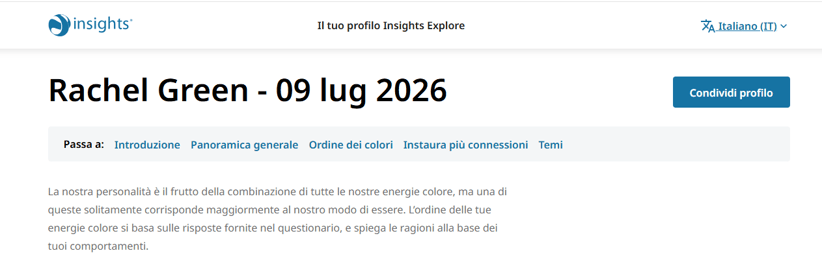
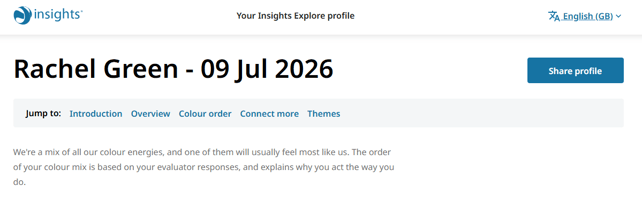
How to select a different language option on an Insights Digital profile
To start, open digital profile link.
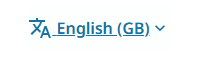
Click on language display.
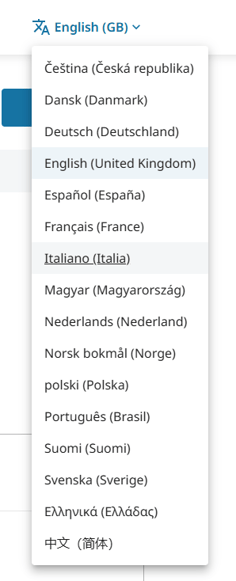
This opens a language menu that displays all the supported languages the profile is available in.
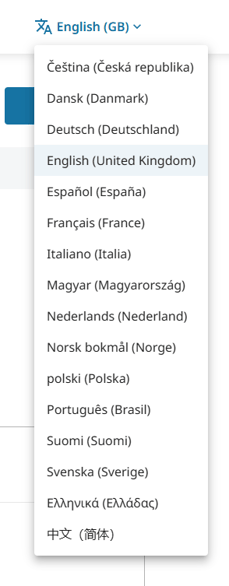
Select language you want to view the profile in by clicking the Language name.
The learner's digital profile will display in the new selected language.