
Discovery Digital Profile Activation link
Learner Digital Profile activation link allows learners to self request access to their Insights Discovery digital profile by entering their email address. If a profile associated with that email exists the system will automatically send them a Digital Profile link.
Only Discovery digital profile can be found using the digital profile activation link.
Access Discovery Digital Profile Activation link
To start, find the new Digital profile activation link tile displayed on the Insights Customer platform homepage.
Click Copy button to copy the Digital Profile activation link.
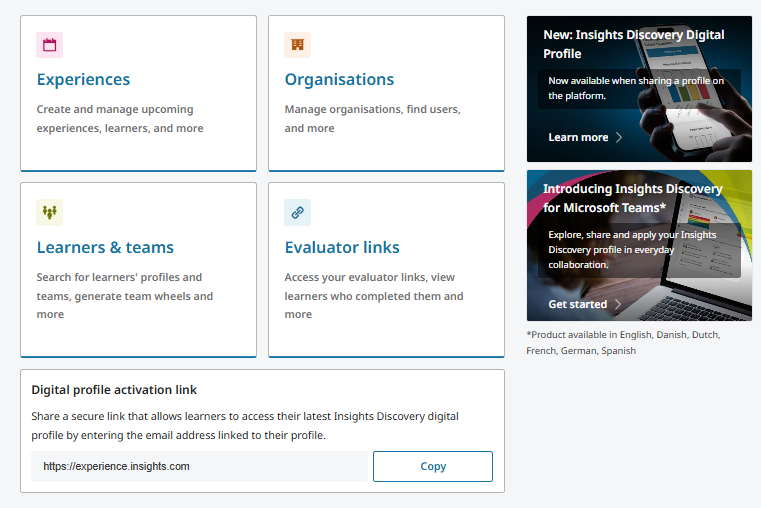
How learners can request access to Insights Discovery Profiles
To start, click on Digital profile activation link.
Opens Access Your Insights Discovery Profile webpage.
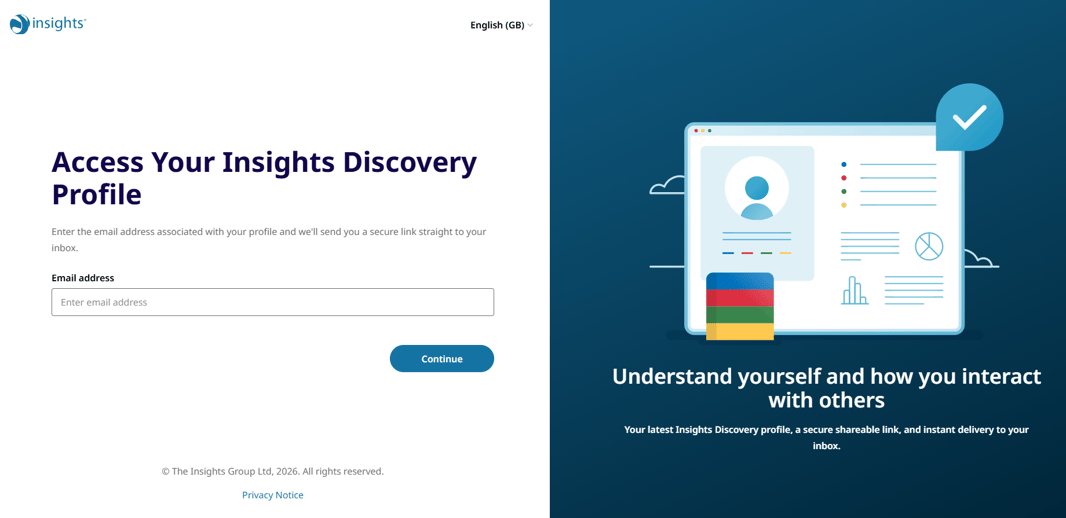
Enter email address.
Click Continue button to check for matching eligible Insights Discovery profiles.
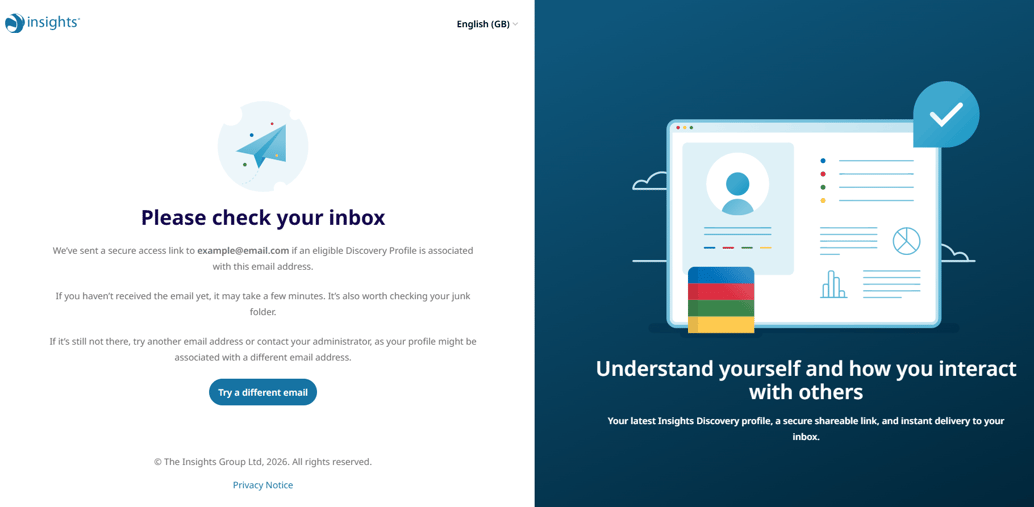
A secure access link will be sent to the learner if their email matches with an eligible Discovery profile.
If a learner's email does not match to a Discovery profile, they will be able to enter another email check by clicking Try a different email button.
Learners will be encouraged to contact their administrators in the case they do not receive an email containing a secure access link to their Discovery profiles as their profile might be associated to a different email in the Insights customer platform.