
Transaction History Redesign
Transaction history has been updated to make it easier to access a user's transaction data.
View user's transactions history in Insight Customer Platform
To start, click on Organisations on home page.
This takes you to the Organisations page containing information about all the organisations you have access to.
Click on the Users link on the Organisation card.
This opens the Users page displaying all the users who are part of the Organisation.
Click on User's name.
This will open the User's page.
You will see a section for Transaction history with start and end dates to search for all transactions belonging to the user between those dates.
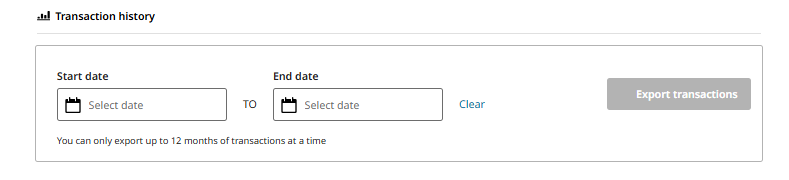
Transaction history can only explore up to 12 months of transaction at a time.
Select a Start date (no more than 12 months from present date).
Select an End date (up to present date).
To clear all dates, click Clear button.
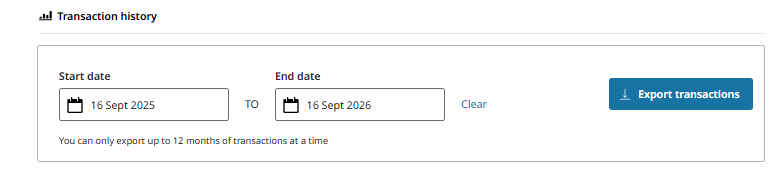
Once dates have been selected, click the Export transactions button.
This will download a file with the user’s full transaction history for the selected date range.